Writing isn’t just a job—it’s a commitment to the craft of storytelling, editing, and communicating ideas with clarity and purpose. And for those of us who spend hours staring at blinking cursors and sprawling drafts, our laptop is more than a tool. It’s our primary creative space, our office on the go, and often the only thing between inspiration and execution.
So when it comes to choosing a laptop in 2025, it’s not about what’s trendy or flashy. It’s about practicality, reliability, and above all, comfort. After two decades working as a full-time writer and editor, I’ve learned that the wrong laptop can kill your momentum, hurt your wrists, or just plain frustrate you. But the right one? It can make the writing process feel like second nature.
Here’s a deep dive into the seven best laptops for writers in 2025, carefully chosen after testing, research, and real-world use. Whether you’re penning novels, writing screenplays, or just need a solid machine for articles, these are the machines that will carry your words.
1. Lenovo ThinkPad T14s (Gen 4 and Gen 5)
The One I Keep Coming Back To
The ThinkPad T14s is like an old friend—dependable, familiar, and always ready to work. Every time I stray to a sleeker Mac or a shinier Dell, I end up missing the ThinkPad’s keyboard like a homesick teenager.
What sets it apart? The keyboard. With a 1.5mm key travel and slightly concave sculpted keys, typing on this feels like a meditative practice. My fingers settle into rhythm quickly, even during marathon writing sessions. It’s tactile without being loud, responsive without being stiff. The T14s keyboard makes you want to write more.
And let’s talk about that 14-inch 16:10 display—wide enough to review two documents side-by-side or run a split screen with a distraction-free writing app and your notes on the side. It’s anti-glare, sharp, and tuned just right for hours of work without burning your eyes.
Performance-wise, the AMD Ryzen versions are more thermally efficient than the Intel counterparts, staying cooler during extended writing or editing sessions. I’ve written everything from blog posts to novel chapters on this thing while running Spotify, Grammarly, and browser tabs galore.
Where to buy: You can usually get a great deal directly from Lenovo.com, and for discounts and faster shipping, check Amazon or Walmart. Costco occasionally offers ThinkPads with extended warranties, which is worth checking if you’re a member.
Pro tip: Always opt for at least 16GB RAM and a 512GB SSD. It future-proofs your purchase and ensures smooth multitasking without freezing when you’re juggling multiple research tabs.
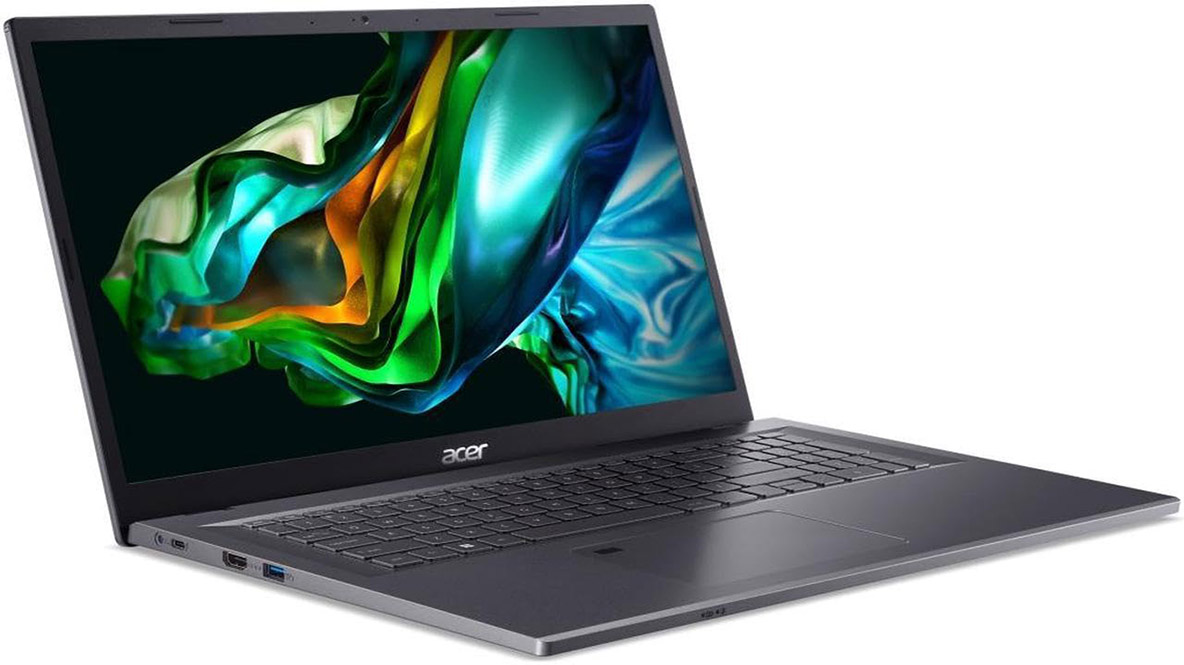
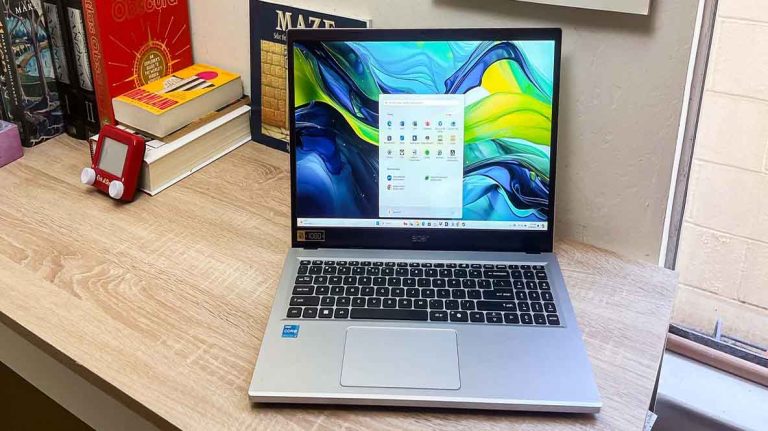
2. Acer Aspire 5 (2025 model)
Budget-Friendly, Surprisingly Writer-Friendly
When I first opened the Aspire 5, I didn’t expect much. It’s not flashy, it doesn’t scream premium—but after just a few hours of typing, I understood why it consistently gets recommended.
It’s a workhorse for writers on a budget. The keyboard has a solid 1.3mm key travel—enough to feel that satisfying press. It doesn’t flex under pressure, and the layout is spacious enough to avoid accidental key hits.
With up to 32GB of DDR5 RAM, this model handles multitasking far better than you’d expect in this price range. And while the display isn’t going to win any awards, it’s bright enough for indoor use and clear enough for focused writing.
If you’re a student, freelance writer, or someone just getting started in content creation, this is a fantastic entry point. It’s also a great second laptop for travel or backup.
Where to buy: Look to Amazon and Best Buy for competitive pricing. Also check Newegg for occasional markdowns, especially during back-to-school sales.
Watch out: The webcam is a letdown—720p and pretty grainy. If you’re doing a lot of Zoom interviews or video meetings, consider a separate webcam.
3. Apple MacBook Pro 14” (M4, 2024)
Elegant, Fast, and Built to Last
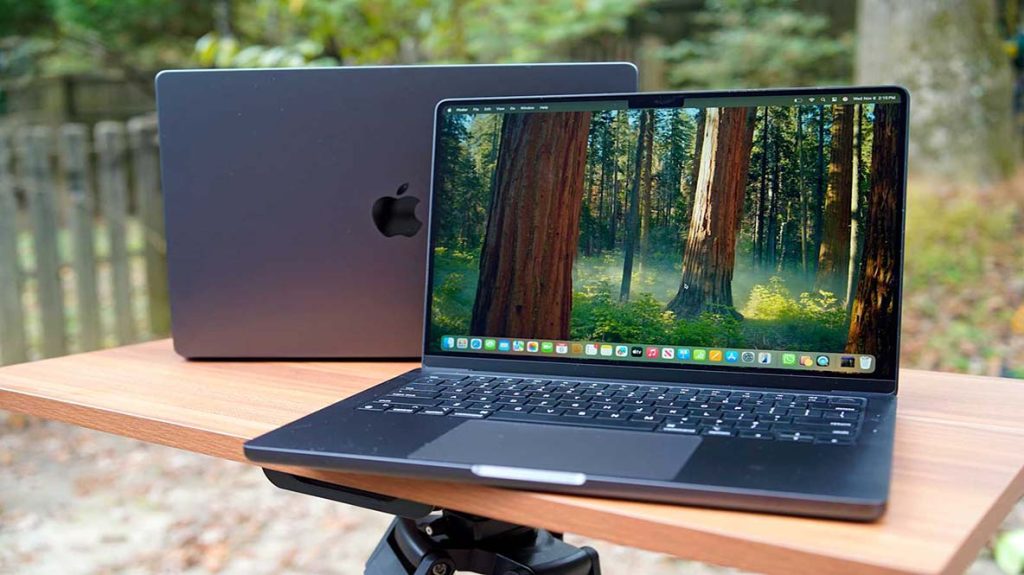
Let me be upfront: I’ve had a love-hate relationship with MacBook keyboards since the infamous butterfly mechanism days. But Apple has redeemed itself with the newer Magic Keyboard—especially on this 14” M4-powered machine.
Typing is smooth, stable, and whisper-quiet. The 1mm key travel might seem shallow on paper, but it feels snappy and responsive under your fingertips. Combine that with an 18-hour battery life and a stunning Liquid Retina XDR display, and this MacBook becomes a powerhouse for screenwriters, journalists, and anyone whose workflow straddles writing, video editing, or design.
It’s not just about looks. The M4 chip handles Final Draft, Scrivener, and DaVinci Resolve all in the same breath. For multitasking, this thing is practically future-proof.
Where to buy: Apple.com is the most straightforward option, but deals can often be found at B\&H Photo, Adorama, and Amazon. Don’t forget to check Apple’s Education Store if you qualify—it offers significant discounts.
My suggestion: Go with at least 16GB of unified memory and 1TB of storage if you’re planning to keep it for the long haul. Creative apps and macOS system files eat up space faster than you’d think.
4. Dell XPS 17 (2025)
Big Screen, Big Canvas
Writers who love space to think and room to see will fall in love with the XPS 17. The 17-inch 4K UHD+ screen is a dream for editing, outlining, and visualizing complex drafts. For screenwriters, academic writers, or anyone who works in multiple windows, this layout is unbeatable.
It’s a beautiful beast—crafted with a CNC aluminum body, InfinityEdge display, and one of the best touchpads I’ve used on a Windows machine.
Even the keyboard, despite the large size, feels intimate and deliberate. At 1.3mm key travel, it’s softer than the ThinkPad, but with more “spring” than a Mac. I’ve written long-form essays on this laptop with zero wrist fatigue.
Where to buy: Dell.com often has configuration options you won’t find elsewhere, but also check Staples, Costco, and Amazon for bundles and seasonal sales.
Heads-up: It’s not exactly portable. Weighing in close to 5.3 pounds, this isn’t your throw-it-in-a-backpack type of machine. But if you’re working mostly from home or a set location? It’s phenomenal.
5. Apple MacBook Air M3 (2025)
Lightweight, Long-Lasting, and Surprisingly Capable
Sometimes inspiration strikes on a flight. Or a train. Or that bench in the park you always pass by. That’s where the MacBook Air comes in. The M3 version retains everything that made previous models great—silent, fanless performance, a vibrant Retina display, and unmatched battery life—and refines it even further.
The keyboard is shallow, sure (1mm), but incredibly well balanced. Writing a screenplay or cranking out a short story in Final Draft or Ulysses on this machine feels natural. The lightweight form factor makes it easy to carry, and it’s discreet enough to use anywhere without drawing attention.
Even better? You still get up to 14 hours of battery life, enough for a full day of work, editing, and procrastination at your favorite coffee shop.
Where to buy: Aside from Apple.com, try B\&H Photo, Micro Center, and even Target for student season bundles.
Writer tip: The base model is fine, but you’ll notice the 8GB RAM limit if you keep too many tabs open. Go with 16GB RAM if possible.
6. Lenovo ThinkPad X1 2-in-1 Gen 9
For Writers Who Edit, and Editors Who Write
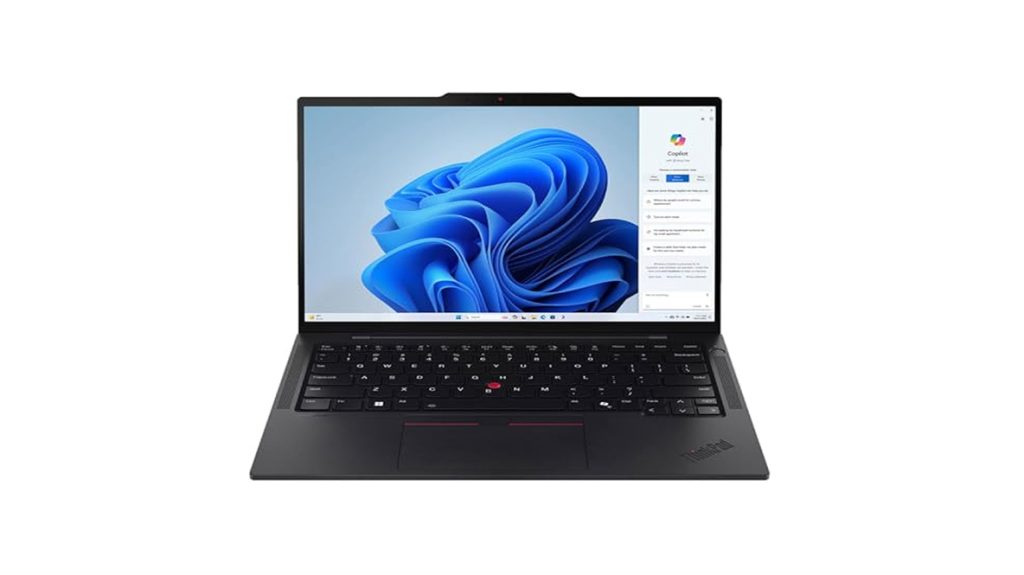
This laptop surprised me in the best way. The X1 2-in-1 Gen 9 is not only one of the best ThinkPads ever made, but it adds a layer of creative flexibility thanks to its convertible form factor.
Flip it into tablet mode, use the stylus for editing, or prop it like a tent for reading—however you work, this ThinkPad adjusts to you. It’s built for mobile professionals and writers who need more than a keyboard.
The keyboard is signature ThinkPad: sculpted, responsive, and ideal for fast, accurate typing. It shares the 1.5mm travel with the T14s, meaning long sessions are a breeze.
And the touchscreen display is surprisingly accurate with palm rejection, making it useful for marking up documents or sketching outlines.
Where to buy: Direct from Lenovo.com is your best bet, especially for custom builds. Check Amazon and Newegg for Gen 8 versions if you’re trying to save.
Worth noting: It’s not cheap. If you don’t use the 2-in-1 features, you’re better off with the T14s. But if you’re a hybrid writer/editor/annotator, this one’s a winner.
7. Razer Blade 16 (2025)
When Writing is Just the Beginning
At first glance, this might seem like an odd pick. Razer? Isn’t that a gaming brand?
Yes—but hear me out. The new Blade 16 is a creator’s dream in disguise. The OLED 2.5K display is dazzling. The 1.5mm key travel keyboard is newly refined and surprisingly great for long writing sessions. And the raw performance—courtesy of RTX 5090 graphics and AMD’s AI-ready chip—is overkill for writing alone, but perfect for those who also work with AI tools, video, 3D, or game design.
I’ve used it to write scripts and then immediately switch over to Unreal Engine for world-building. No lag, no hiccups. Just seamless power.
Where to buy: Razer.com is your best source for configuration options, but Best Buy sometimes stocks exclusive bundles. Also check Amazon during major shopping holidays.
Advice: If you don’t need the GPU, look at the base Blade models. Otherwise, this laptop can do literally everything—and do it well.
No writer is the same. Some thrive on minimal distractions and portability, others need performance and screen real estate. Some love macOS, others swear by Windows. But across all these machines, one truth remains: the best laptop for writing is the one that lets you forget about the laptop.
Choose the one that gets out of your way, lets your fingers fly, and helps your ideas flow—without lag, without distraction, and without compromise.
Keep writing.



+ There are no comments
Add yours