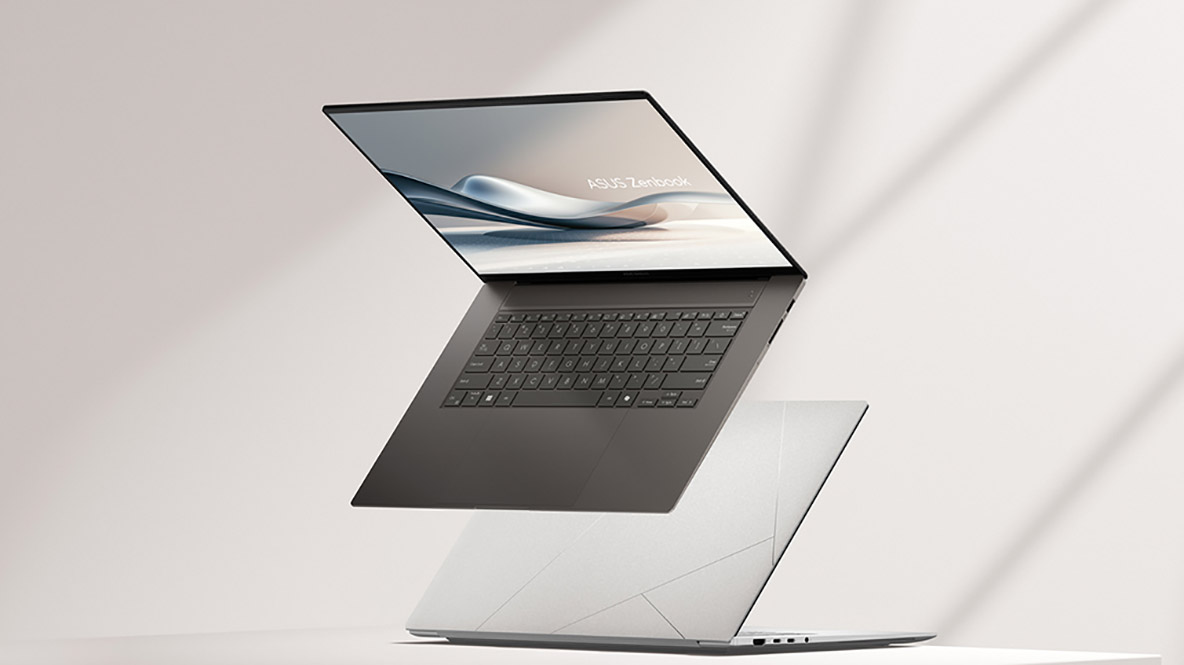
When I first heard about the Asus Zenbook S 16, what caught my attention wasn’t just the specs or the slick design. It was the buzz around a mysterious “new material” used in its construction — something almost out of a sci-fi movie. In a world where laptop design often feels stale and repetitive, Asus dared to shake things up with what they’re calling a space-age chassis. Naturally, I was skeptical. After all, in the tech world, marketing buzzwords sometimes mask more than they reveal.
So, is the Zenbook S 16 really a groundbreaking marvel, or just another flash in the pan? I spent weeks diving deep, testing, and living with this laptop. Here’s my honest, detailed take on whether this “mysterious new material” actually lives up to the hype, along with some tips on how to get one without breaking the bank.
The Allure of a New Material: What’s the Big Deal?
First things first: Asus claims the Zenbook S 16 is made with a material they describe as “space-grade” or “space-age,” inspired by aerospace engineering. But what does that really mean for the average user like me or you?
Usually, laptops stick to aluminum, magnesium alloy, or plastic composites. The Zenbook S 16’s chassis is reportedly made from a special aerospace-grade aluminum alloy mixed with other elements for enhanced strength and lightness. This isn’t just a marketing ploy. The engineering behind it aims for a laptop that is incredibly lightweight yet durable enough to withstand the rigors of travel and everyday wear and tear.
I’ll be honest: when I first picked it up, the feeling was noticeably different from your usual metal laptop. It’s lighter, but without feeling cheap or fragile. The surface has a subtle matte finish that doesn’t attract fingerprints easily — a blessing for someone like me who hates wiping screens and chassis all day long.
Design and Build Quality: A Glimpse into the Future?
Design-wise, the Zenbook S 16 walks a fine line between sleek minimalism and futuristic style. The clean lines and slim profile make it feel like a premium device, but the real standout is the hinge and keyboard design. Asus has integrated what they call an “ErgoLift” hinge that tilts the keyboard slightly when you open the lid, improving typing comfort and airflow.
I noticed right away that the keyboard has a satisfying tactile feedback — deep enough for comfortable typing without the mushy feel you get on some ultra-thin laptops. The keys have a slight concave shape, which helps prevent your fingers from slipping, even after hours of work. This isn’t just aesthetics; it’s ergonomics done right.
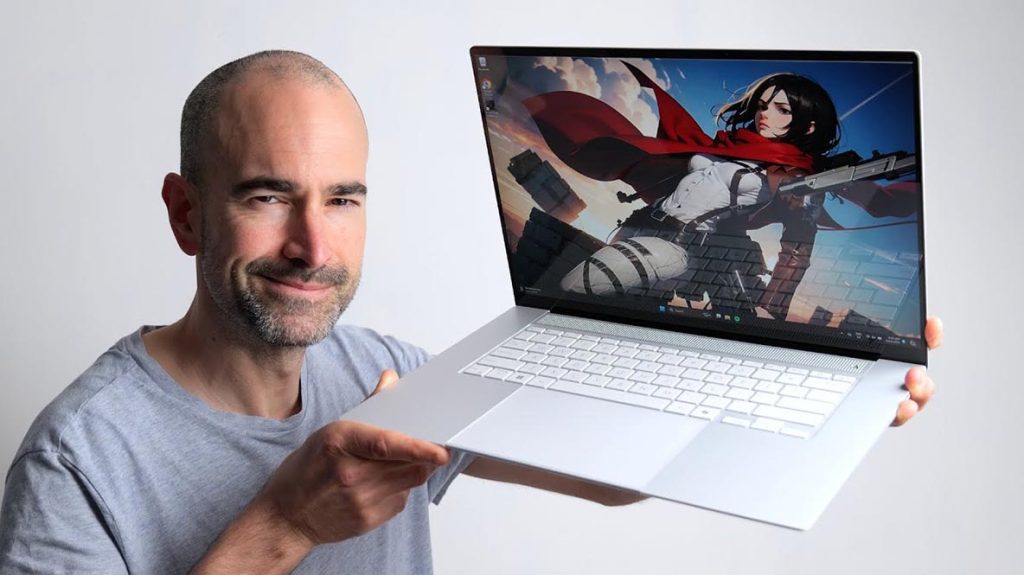
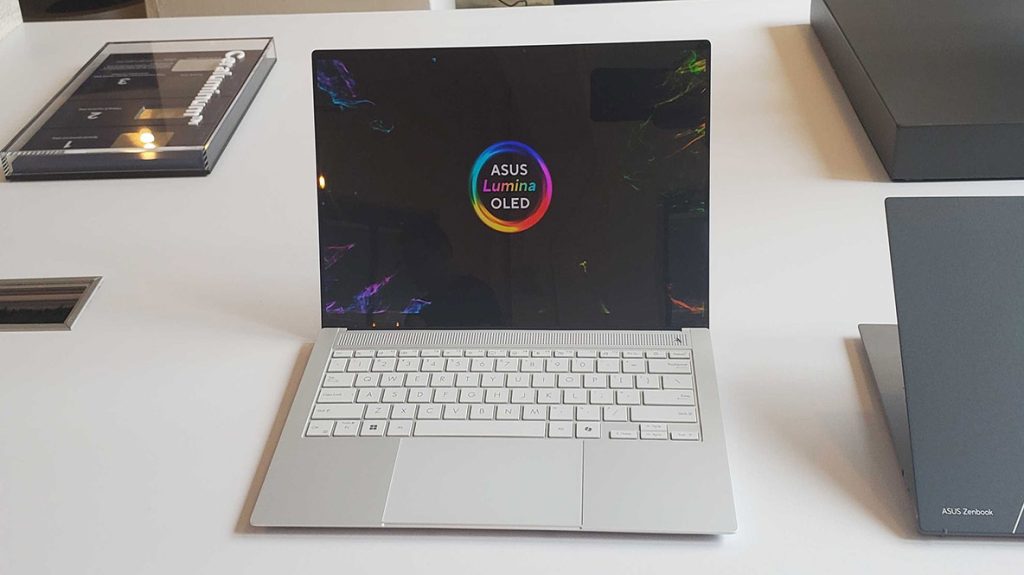
The display is another major highlight. Asus packed a 16-inch 3.2K OLED panel with razor-sharp resolution and stunning color accuracy. The brightness and contrast levels blew me away. Whether I was editing photos, streaming movies, or just scrolling through my work documents, the visuals were crisp and vibrant, even in bright daylight.
Performance That Matches Its Looks
Let’s get into what really matters under the hood. The Zenbook S 16 comes equipped with Intel’s 13th-generation Core i7 processors, combined with an NVIDIA RTX 4060 graphics card. This pairing delivers impressive performance for both work and play. It handled my video editing projects like a champ — exporting a 4K video faster than some desktops I’ve used.
Multitasking felt seamless thanks to up to 32GB of LPDDR5 RAM. Switching between Chrome tabs, Adobe apps, and Zoom calls was smooth, with no lag or stutter. The fast NVMe SSD storage made boot times and file transfers nearly instantaneous.
One unexpected delight was the cooling system. Most laptops that slim down compromise on cooling, leading to annoying fan noise or throttling under heavy load. The Zenbook S 16, however, keeps cool without sounding like a jet engine. This made working in quiet environments much more pleasant.
The “Space-Age” Material in Everyday Use: Myth or Reality?
Here’s where the rubber meets the road. After using the Zenbook S 16 for over a month, I put the so-called space-age material to the test in real-world scenarios.
- Durability: I accidentally knocked my laptop off a desk (about 2 feet) onto carpeted flooring. No dents, no scratches — just a slight bounce and a relieved sigh. The chassis showed no sign of damage, which would be unlikely for a regular aluminum laptop.
- Weight: Carrying it around for long commutes or to coffee shops was effortless. Weighing about 3.4 pounds, it felt closer to an ultraportable than a full-fledged 16-inch laptop.
- Temperature: The material seems to dissipate heat better than standard metal bodies. After an hour of streaming and editing, the surface remained cool to the touch, unlike many laptops that get hot enough to fry an egg.
It seems Asus’s claims aren’t just fluff. This is a genuinely advanced material, blending lightweight design with toughness. But keep in mind, it’s not invincible. I wouldn’t recommend dropping it off a rooftop or submerging it in water.
Ports and Connectivity: Balanced but Not Overloaded
In a world leaning towards USB-C, I appreciate a laptop that doesn’t completely abandon traditional ports. The Zenbook S 16 has two USB-C Thunderbolt 4 ports, a USB-A 3.2 Gen 2, an HDMI 2.1 output, and a microSD card reader. That’s a nice mix for photographers, content creators, and business users who rely on external displays and memory cards.
I plugged in external 4K monitors and transferred large files over USB-A without a hitch. The Wi-Fi 6E and Bluetooth 5.2 connectivity ensured my wireless peripherals and internet stayed lightning fast and stable.
Battery Life: Space-Age Efficiency or Overhyped?
Battery life is always a concern for ultralight laptops. Asus promises around 10 hours of usage on a single charge, and in my experience, it’s mostly true — with some caveats.
During casual tasks like web browsing, emails, and streaming music, I squeezed about 9 to 10 hours out of it. But if you push it hard with video editing, gaming, or streaming at max brightness, expect closer to 5-6 hours.
The fast charging feature is a lifesaver — 60% charge in about 30 minutes. For on-the-go users, that’s enough juice for a few hours of work during a quick break.
Should You Buy the Asus Zenbook S 16 in the U.S.?
Finding this laptop in the U.S. market isn’t rocket science. Major platforms like Amazon, Best Buy, and B\&H Photo Video carry the Zenbook S 16. Amazon often offers competitive pricing and fast shipping, plus you can check verified user reviews. Best Buy is perfect if you want to see the laptop in person before committing, and B\&H Photo Video is a solid choice for professionals looking for excellent customer service and warranties.
Buying Tip: Watch for seasonal sales like Prime Day, Black Friday, or back-to-school promotions. Asus occasionally offers bundle deals with accessories like laptop bags or external mice. Also, consider purchasing extended warranties or Asus’s official Care Packs for peace of mind.
Is the Asus Zenbook S 16 Truly a Space-Age Laptop?
The Zenbook S 16 delivers more than just gimmicks. The mysterious new material isn’t just a marketing buzzword but a genuinely innovative chassis that blends lightweight design, durability, and heat dissipation in a way few laptops have achieved.
If you want a stylish, powerful 16-inch laptop that doesn’t weigh you down and can handle professional workloads, the Zenbook S 16 deserves serious consideration. It’s not perfect — no laptop is — but it hits a sweet spot between portability, performance, and build quality.
Whether you buy it from Amazon, Best Buy, or B\&H, remember to look out for deals and warranties. And if you’re like me, who loves the tactile feel of a well-built laptop paired with cutting-edge tech, this Asus machine just might be your next trusted workhorse.


+ There are no comments
Add yours